
Ensuring full legal and fiscal compliance, TRAX Store Management System supports dynamic multi-tier tax rates, tax-inclusive retail pricing (B2C), and automated tax breakdowns on thermal receipts and financial audits.
1. Tax Settings for product #
- The value-added tax for each product is determined separately, based on the product type.
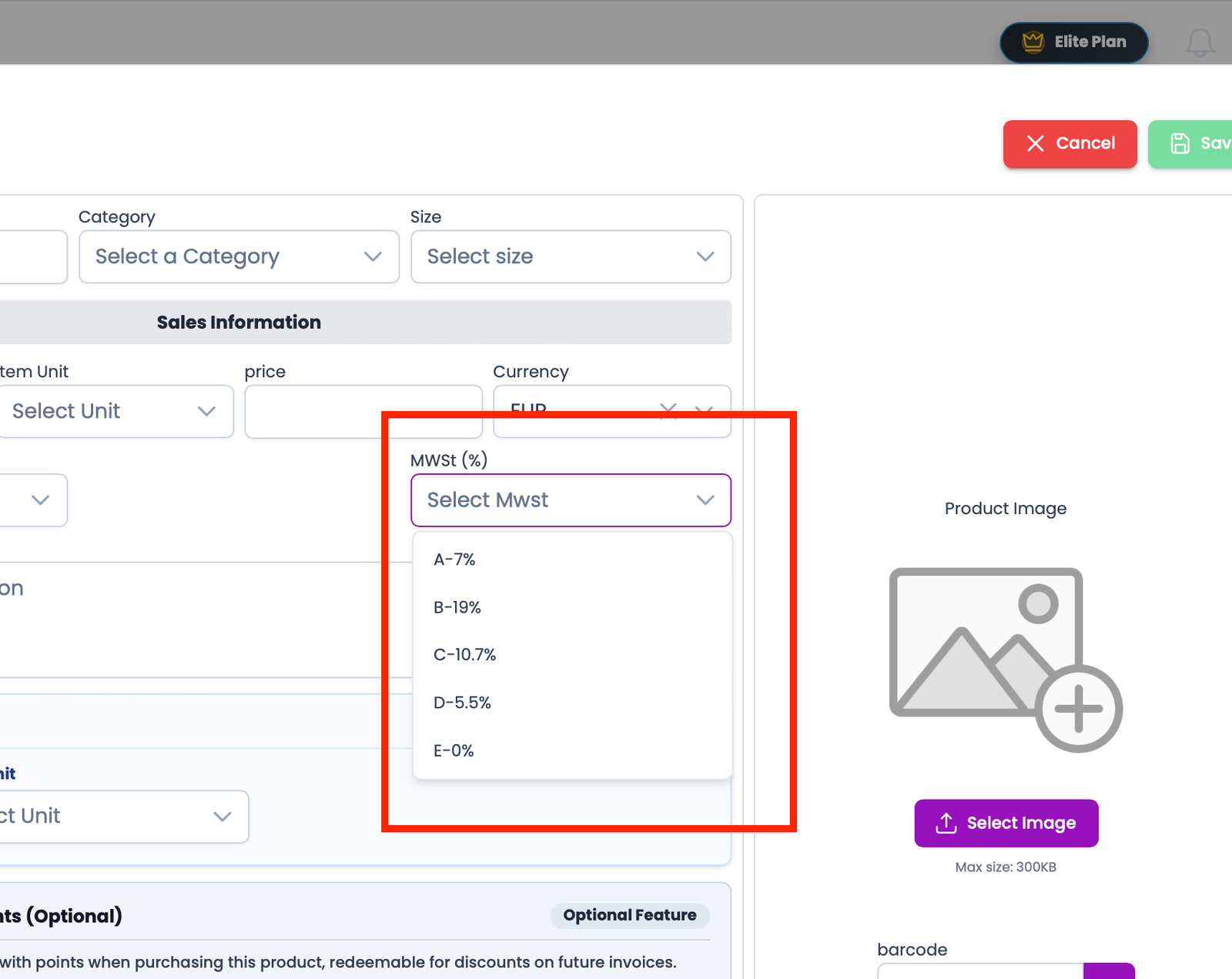
Visual Reference: Tax & VAT Configuration Dashboard
2. Managing Pre-Configured Tax Rates #
TRAX POS comes pre-loaded with standard European & international tax bands:
| Tax Bracket Name | Standard Rate (%) | Typical Application Scope |
|---|---|---|
| Standard VAT (Regelsteuersatz) | 19.00% | General merchandise, electronics, beverages, apparel. |
| Reduced VAT (Ermäßigter Steuersatz) | 7.00% | Essential groceries, bread, books, fresh produce. |
| Zero-Rated / Tax-Exempt | 0.00% | International exports, gift vouchers, medical exemptions. |
3. Assigning Tax Rates to Products #
- When creating or editing any product, select the appropriate tax rate from the dropdown.
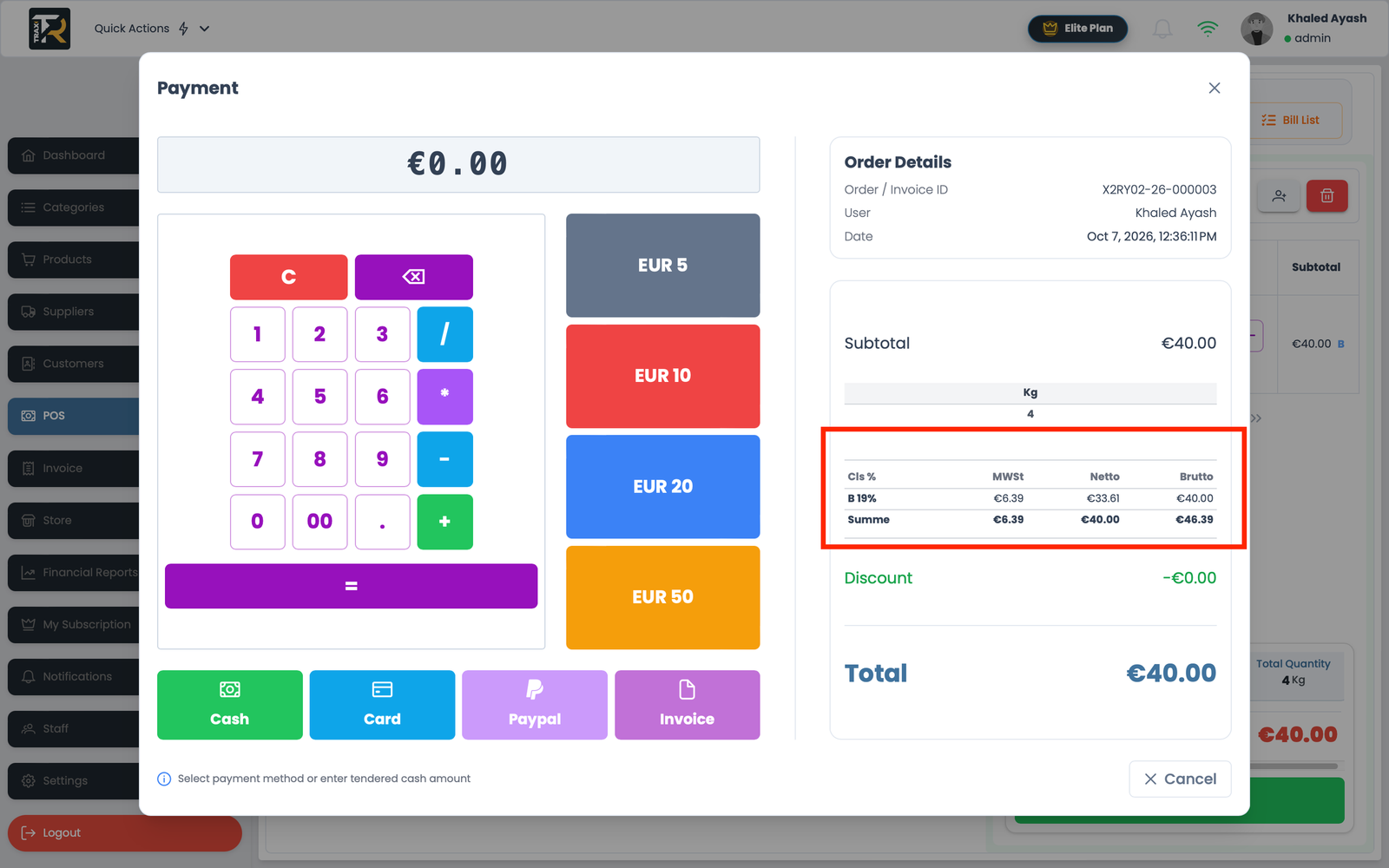
- During checkout, the POS terminal aggregates all items by tax bracket and prints an itemized tax summary at the bottom of the customer receipt:
Net Amount + Tax Amount = Total Due.
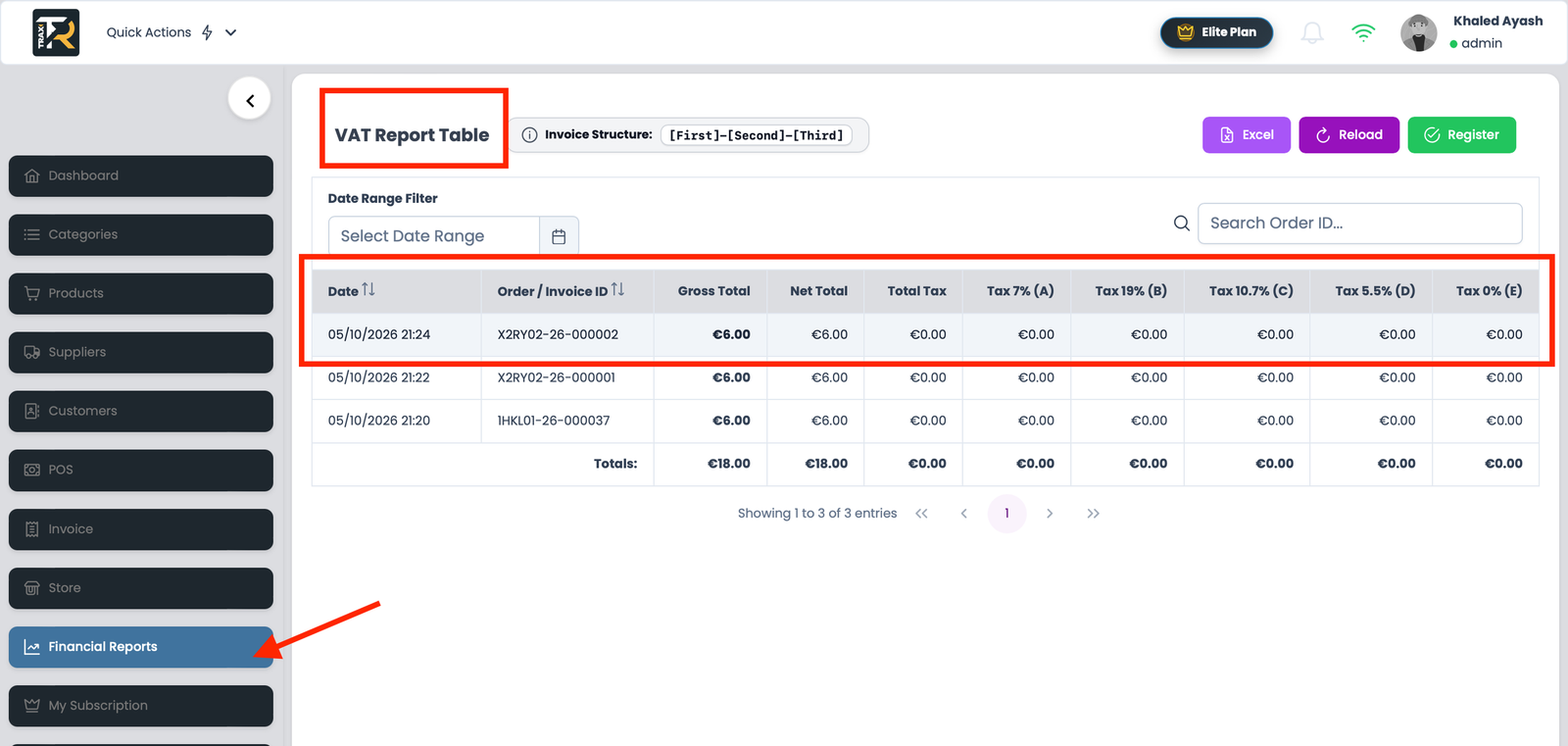
Note: These values can be seen from several locations